
1) Log in to the customer system by going to https://payments.hostnet.lv/crm
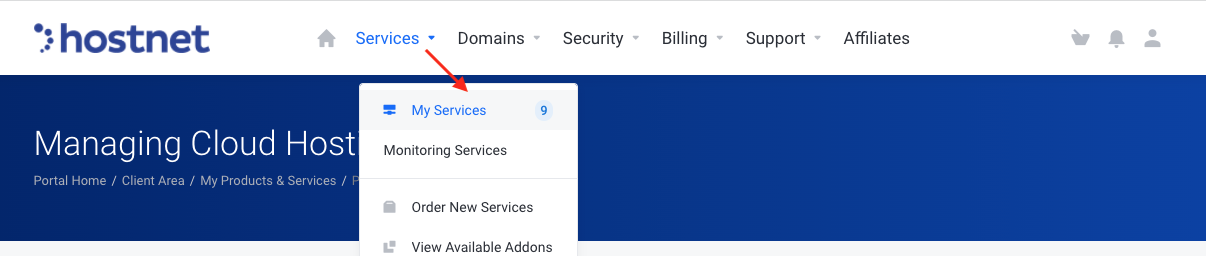
2) Go to Services -> My Services
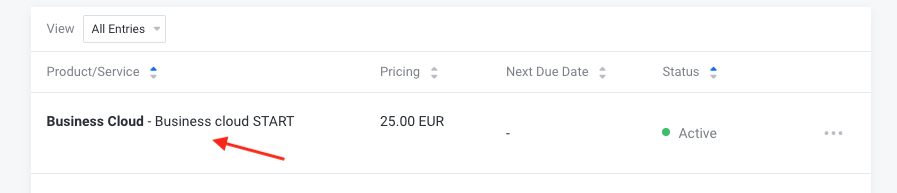
3) Select the appropriate service you want to opt-out and delete your account.
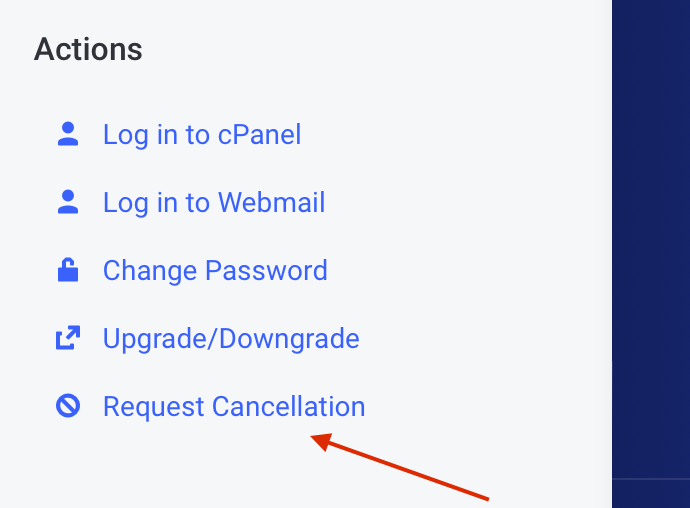
4) Select "Actions" -> "Request Cancellation"
5) Next, write your reason for opting out and choose "Immediately" or "End of Billing Period" from the menu.
- If you select "Immediately", your account in cPanel will be deleted immediately and the information cannot be restored.
- If you select: "End of billing period", your account in cPanel will be deleted after the end of the billing period and the information cannot be restored.
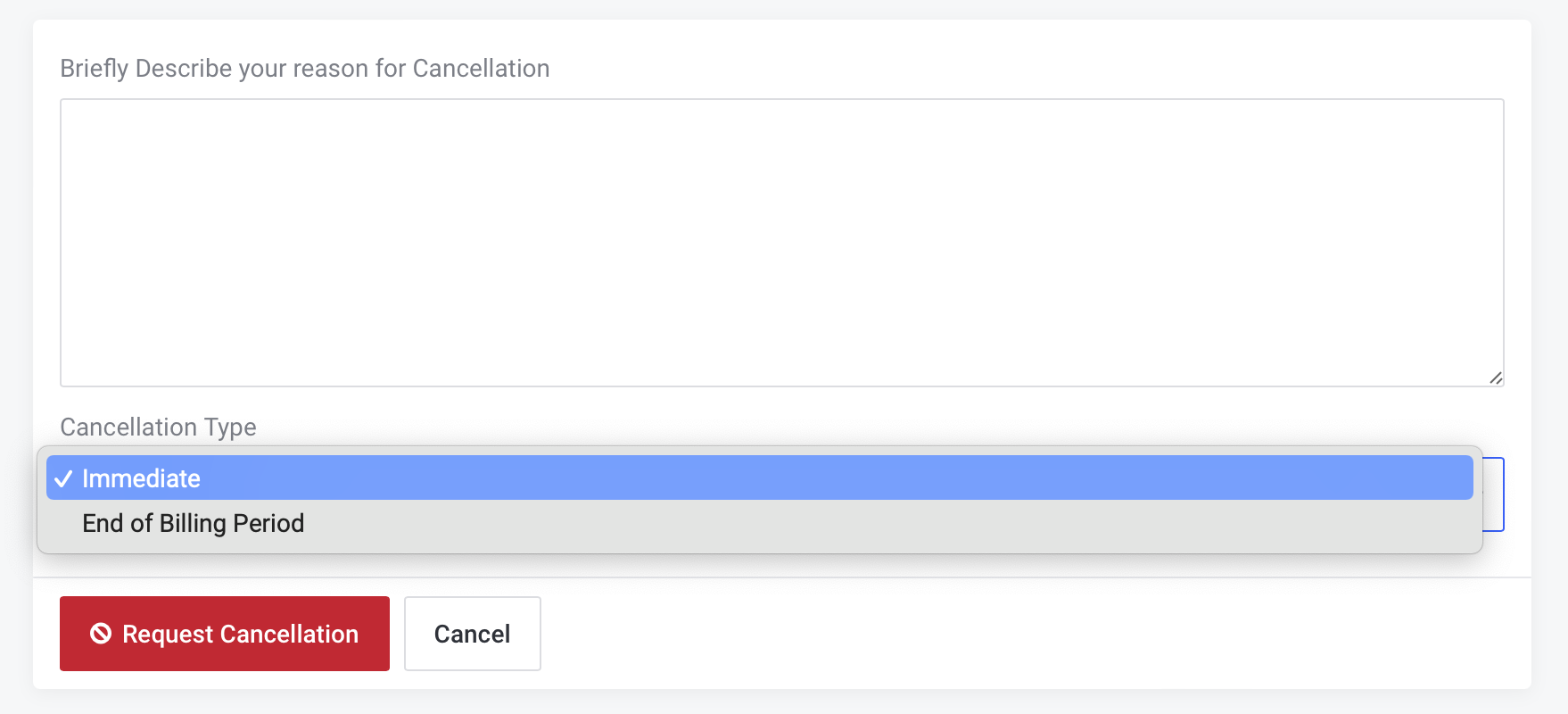
Click "Request Cancellation" at the end


