
How to block countries with Cloudflare ?
Security is the most common reason why users are blocked from visiting your site.
* XSS attacks that can compromise the private information of website users.
* DDoS attacks that take a website temporarily or permanently offline.
* Phishing attacks that can compromise sensitive information of website users.
* Injection attacks that target the server database directly and reveal user input and hidden data.
* Directory traversal attacks that can compromise site access, databases and configuration files.
If most of these attacks come from one or more specific countries, blocking them will save you and your site a lot of trouble.
Another reason for geo-blocking is to create a country-specific website. Let's say you own an online store that caters to people living in the same country. If this is the case, blocking other countries can protect your use of server resources.
Finally, copyright, licensing terms and other legal obligations may require certain countries to block access to your website content.
How to find out from which country are the most frequent attacks?
- You need to log in to your account.
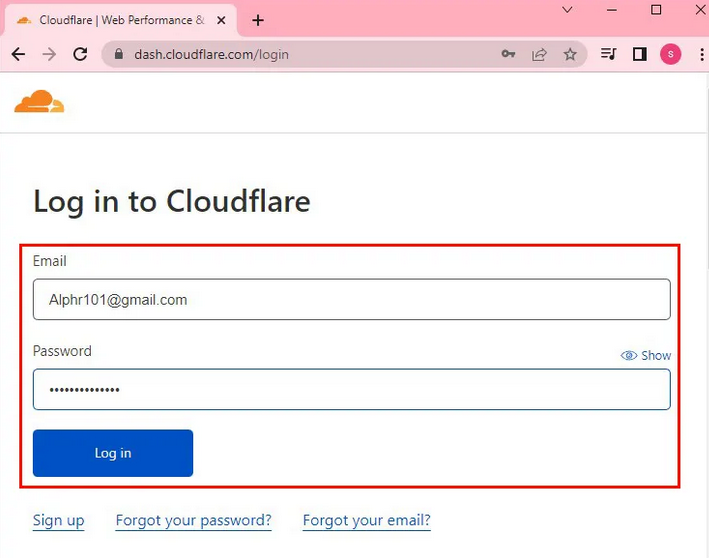
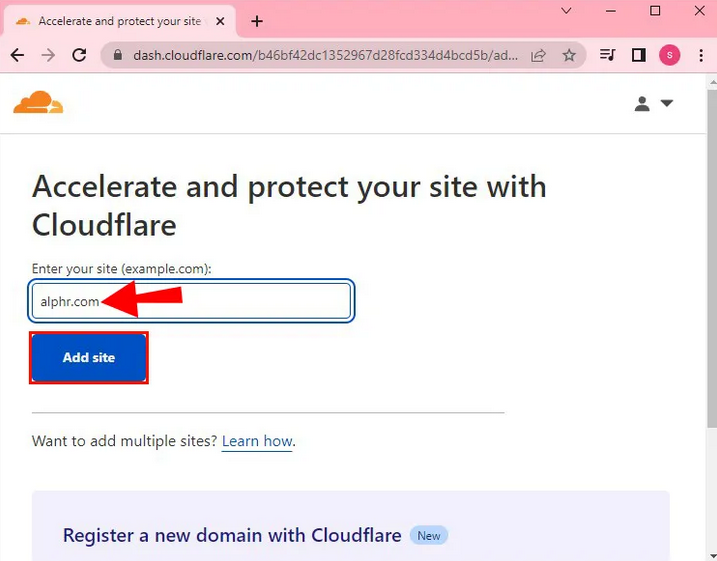
- At the top of the page, select the domain whose analytics you want to check.
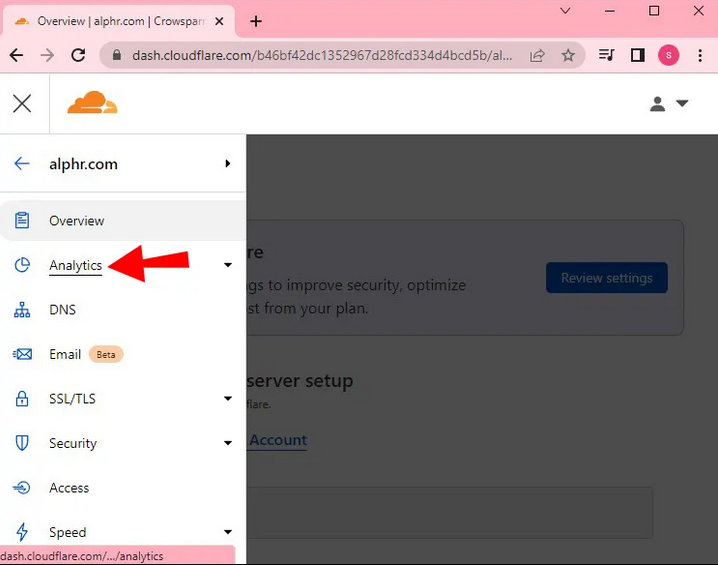
- Select the "Analytics" section.
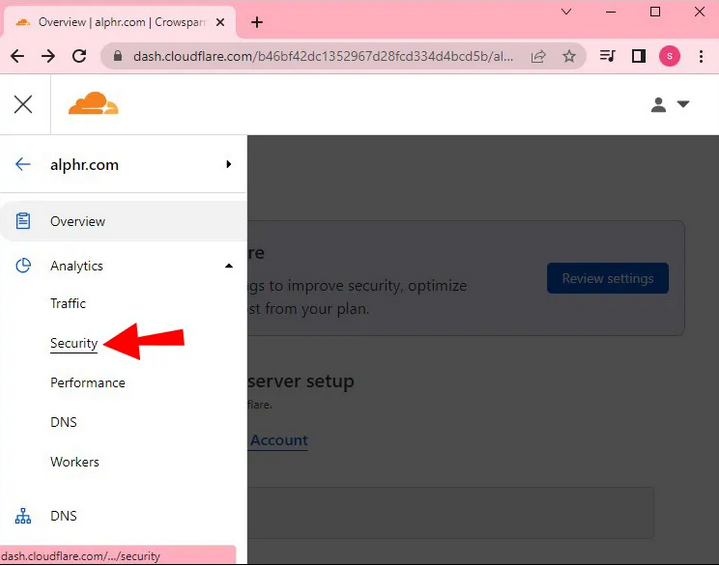
- Choose "Security".
- Select the time period when you want to see the attacks.

How to block countries with Cloudflare ?
- Select the "Security" section.

- Select "Firewall Rules".
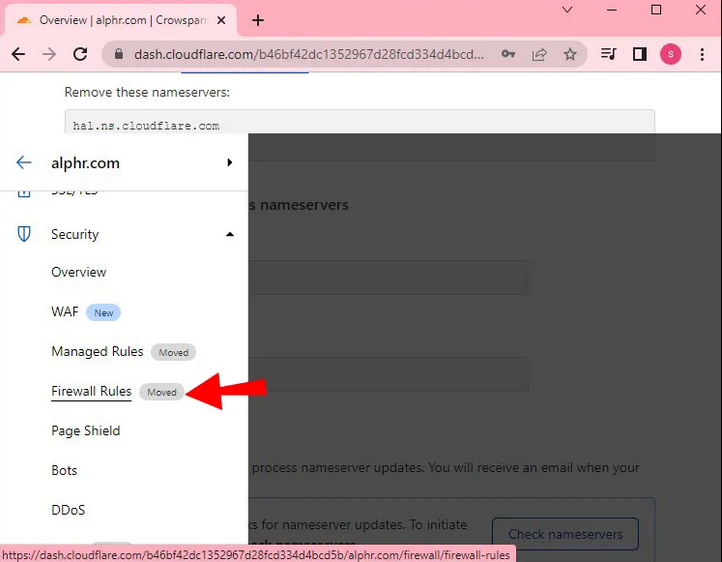
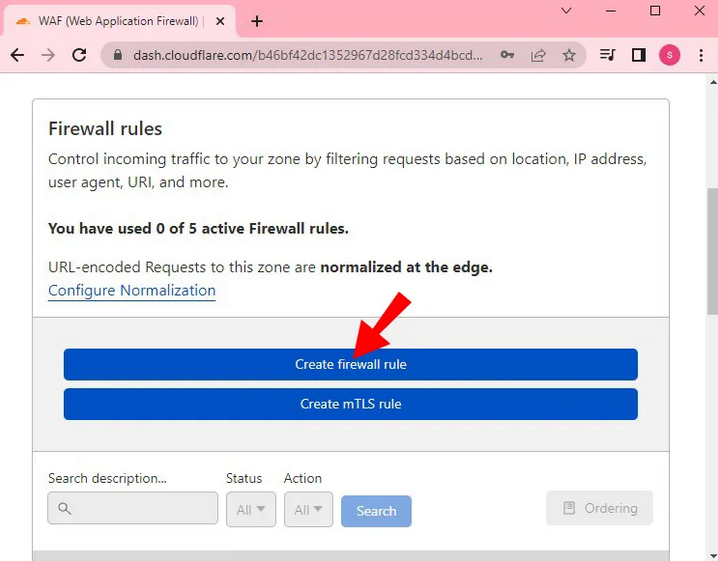
- Select “Create firewall rule”.
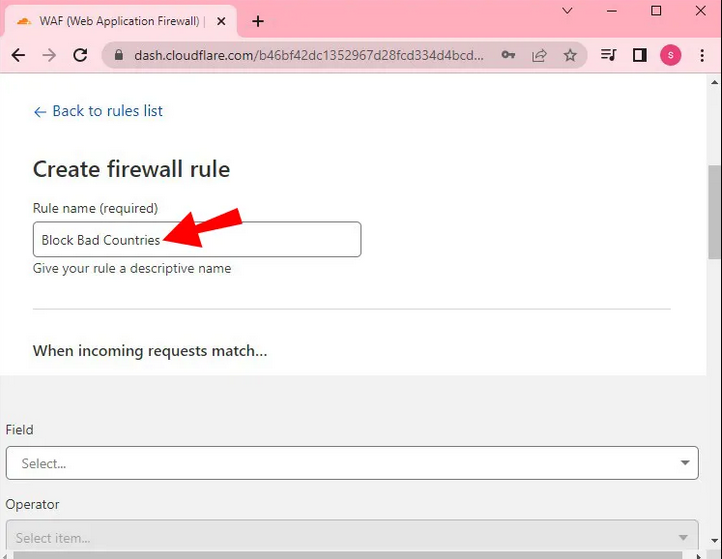
- Type what you want to name the created section, for example "Blocked countries".
- Below the title you will see "When incoming requests match...".
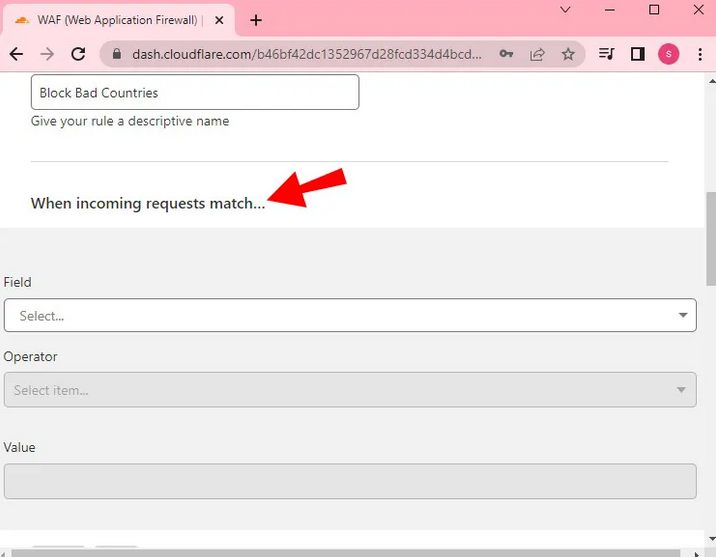
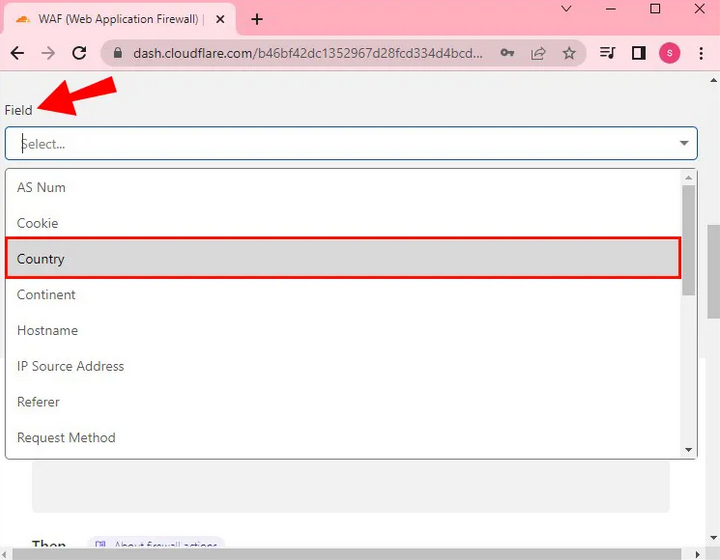
- In the "Field" field, select "Country".
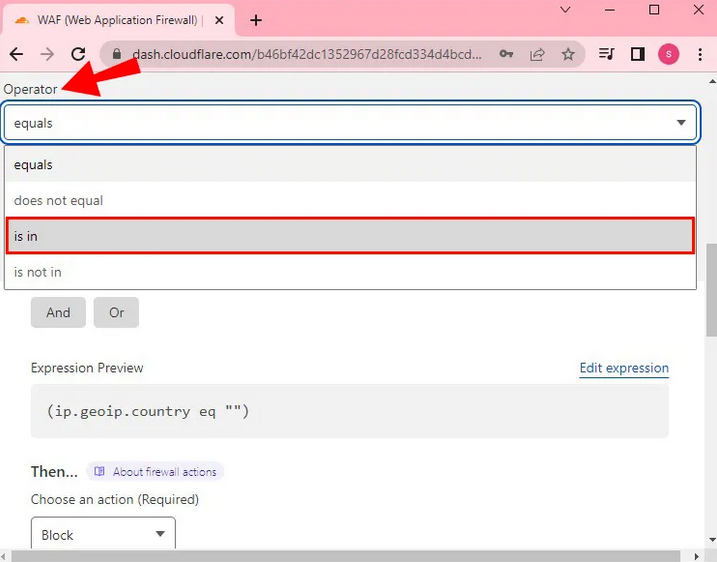
- "Operator" select "is in".
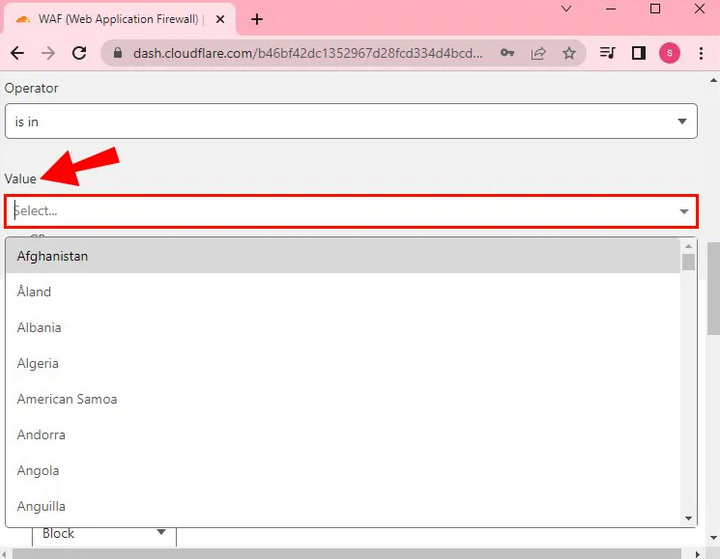
- In "Value" choose which countries you want to block.
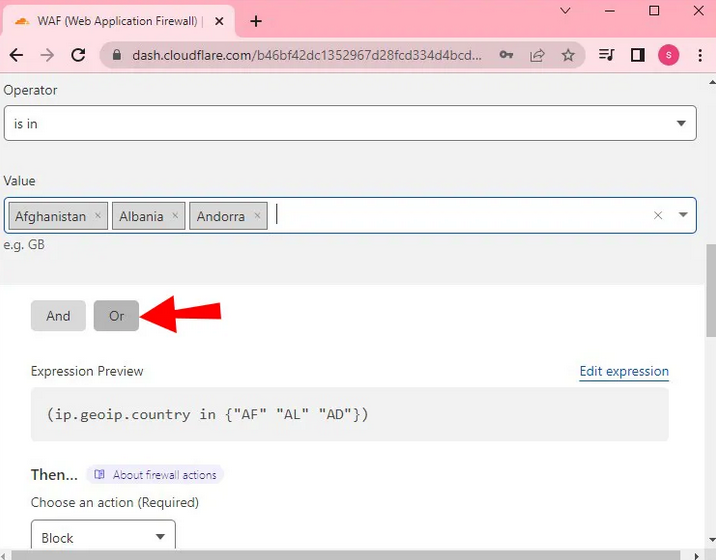
- Then select "Or".
- Let's go down to the next section "Then...".
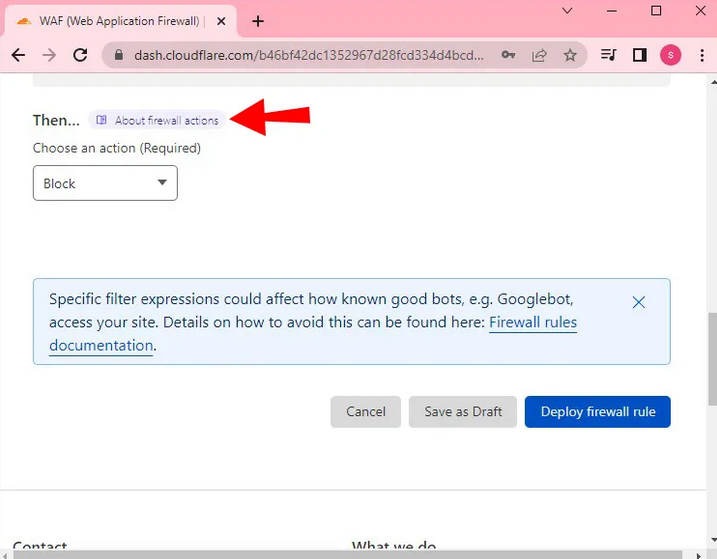
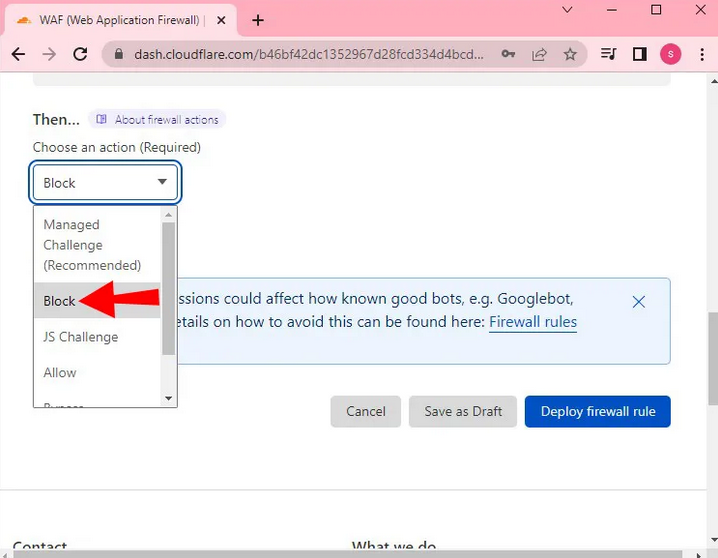
- Select "Block".
- Then click on “Deploy firewall rule”.
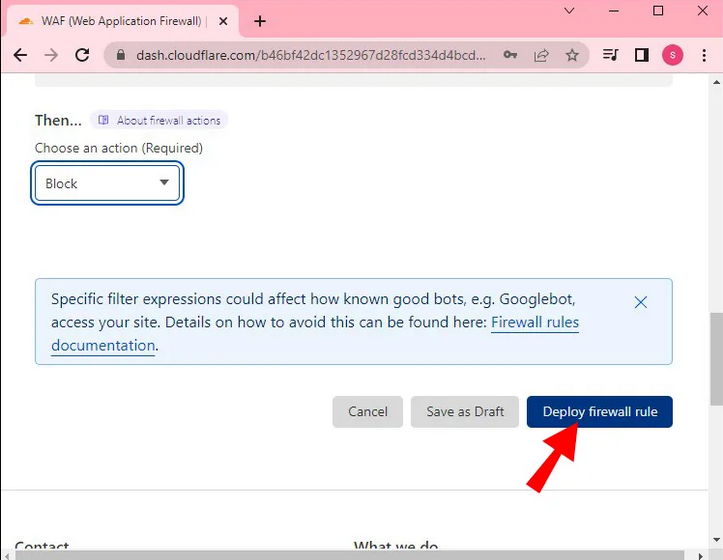
You are blocked from selected countries that you have marked.


