
- Log in to the client system by going to https://payments.hostnet.lv/crm
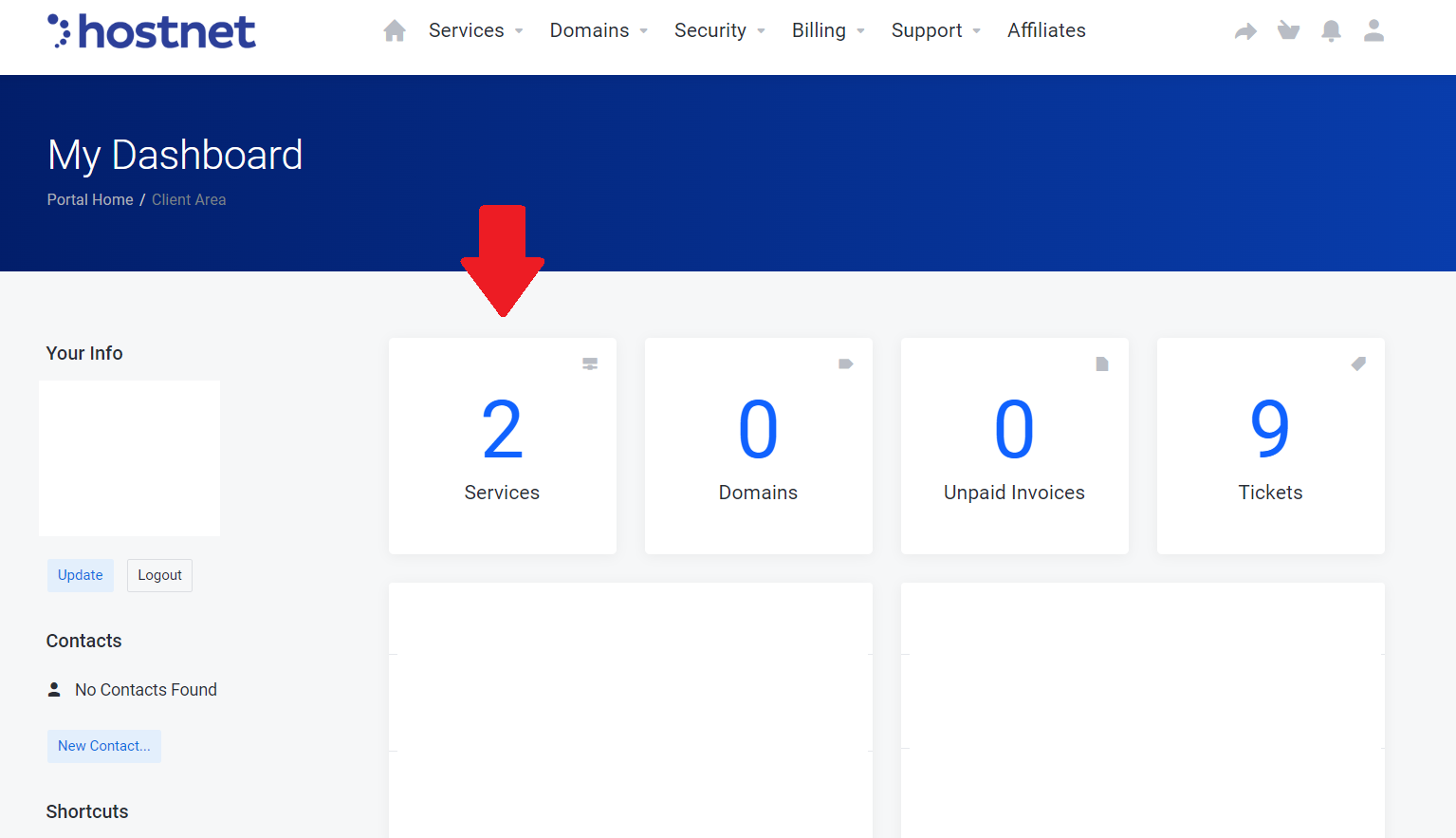
- Select "Services"
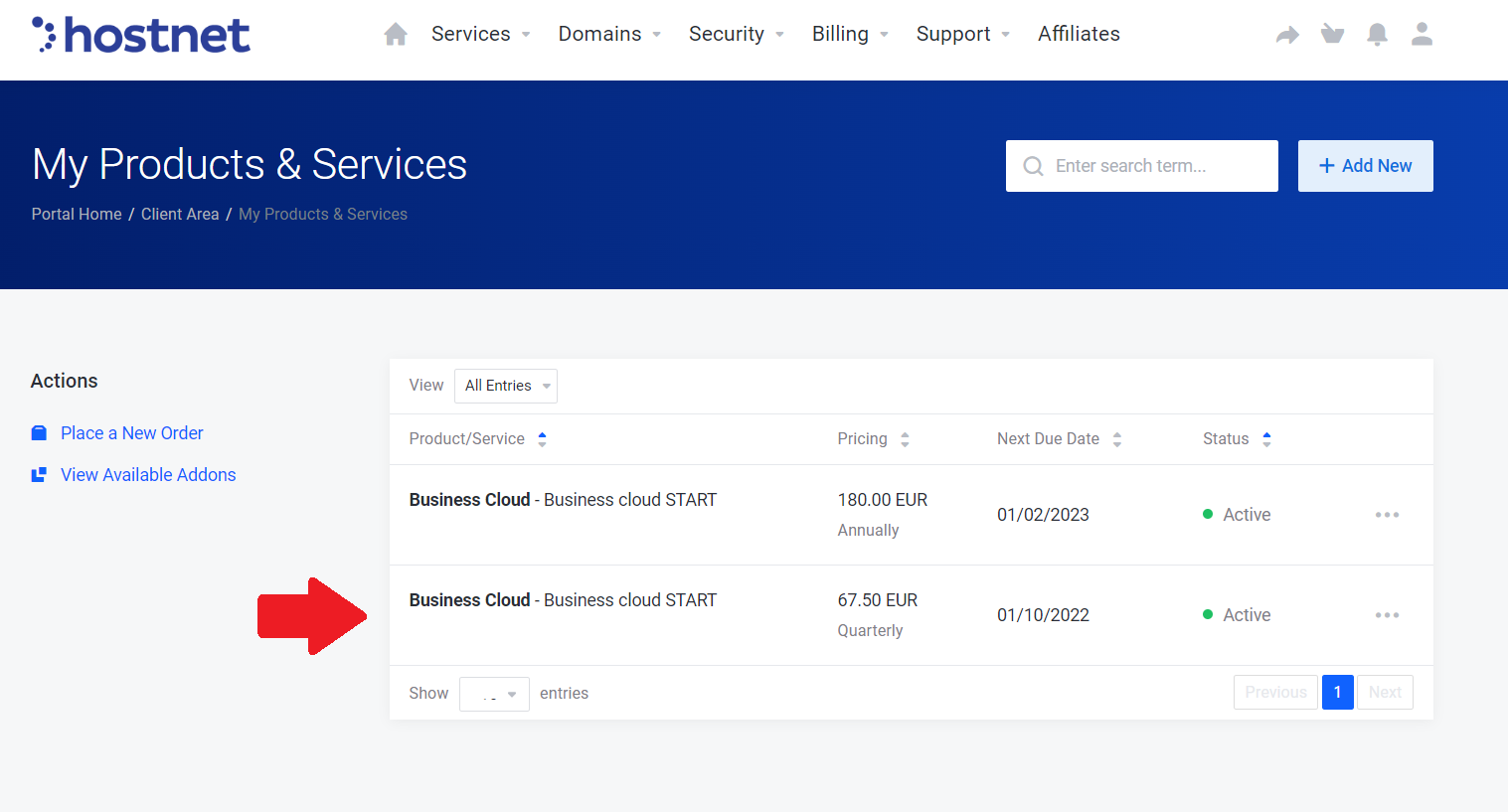
- Choose which hosting plan you want to change
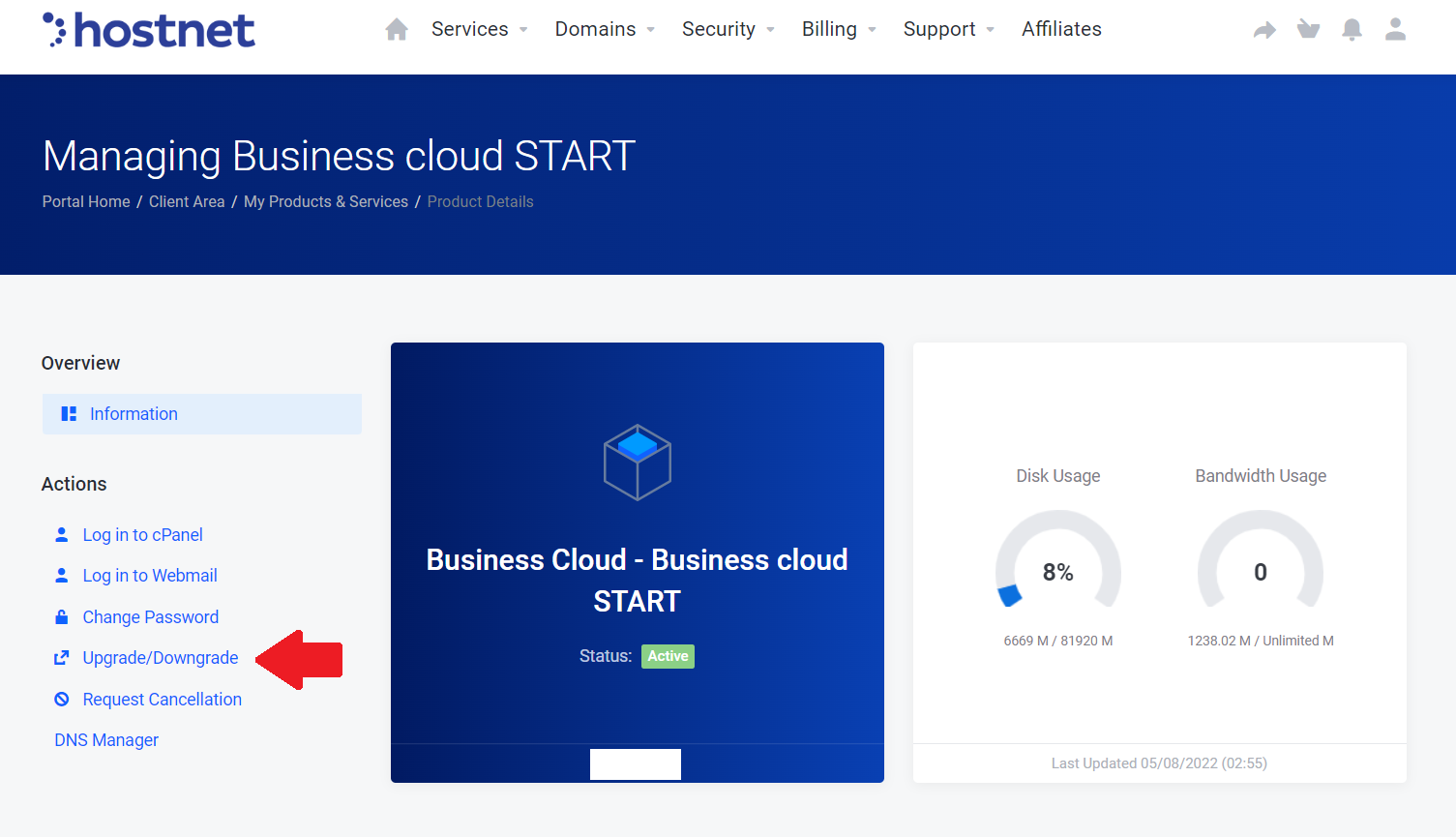
- Then select a section “Upgrade / Downgrade”
Most Popular Articles
How can I delete the service?
1) Log in to the customer system by going to https://payments.hostnet.lv/crm 2) Go to Services...
How to pay the bill in your customer area?
The following steps are required to pay your bills. Log in to your Customer Zone with the...
Kā dalīties ar parolēm?
Hostnet klientu zonā ir iespējams dalīties ar e-pastu vai pakalpojumu parolēm. 1) To varēs...
Kā pievienot lietotāju?
Hostnet klientu zonā autorizētajai personai ir iespēja pievienot papildus lietotājus un tiem...


