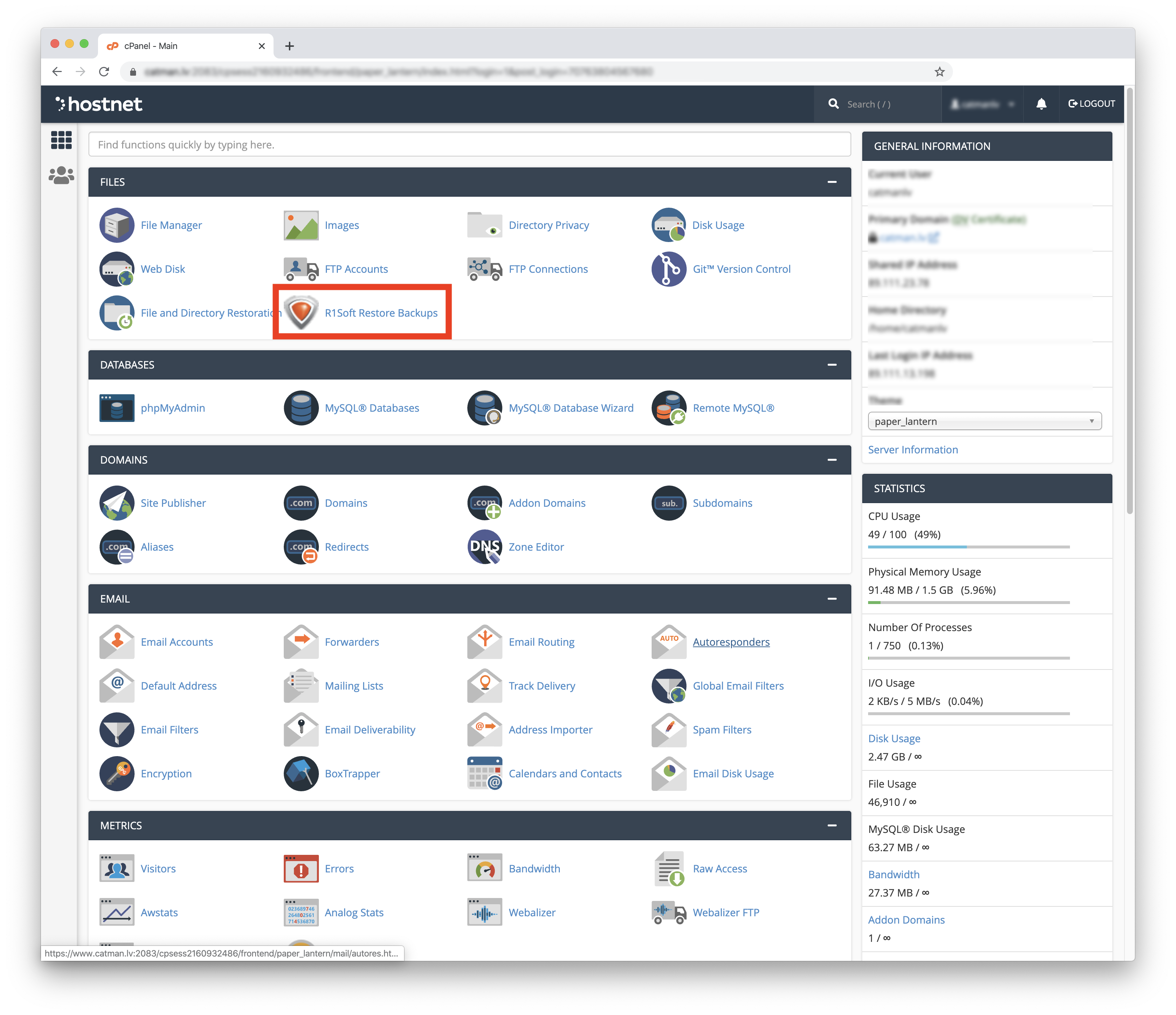
To restore incoming messages from a specific email from backups, follow these steps:
1. Log in to cPanel using the link http://domain.lv:2083 (where domain.lv is your domain name).
2. After logging in, find the Files section and click R1Soft Restore Backups. You will be able to connect with cPanel accesses.
3. Select the date from which you want to restore the files or directories. Click the Folder icon.
4. To find the inbox of a specific email, follow these steps: "mail / domain / user / cur", where "cur" will be the inbox.
5. Check "cur" if you want to restore incoming emails from a specific date and click Restore Selected.
6. Confirm your selection by clicking Restore or Cancel to cancel.