Attention !! If you have changed the PHP version with MultiPHP manager, then "Select PHP version" will not work !!
To change the PHP version, follow these steps.
1) Log in to cPanel using the link http://domens.lv:2083 (where domens.lv is your domain name).
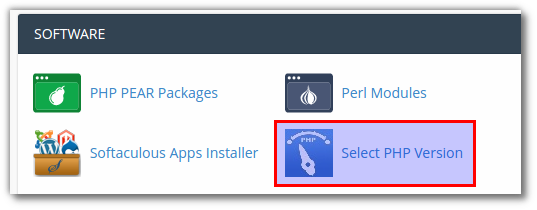
2) After logging in, find the Software section and click Select PHP Version.
- 3) Select the PHP version and the modules you need.


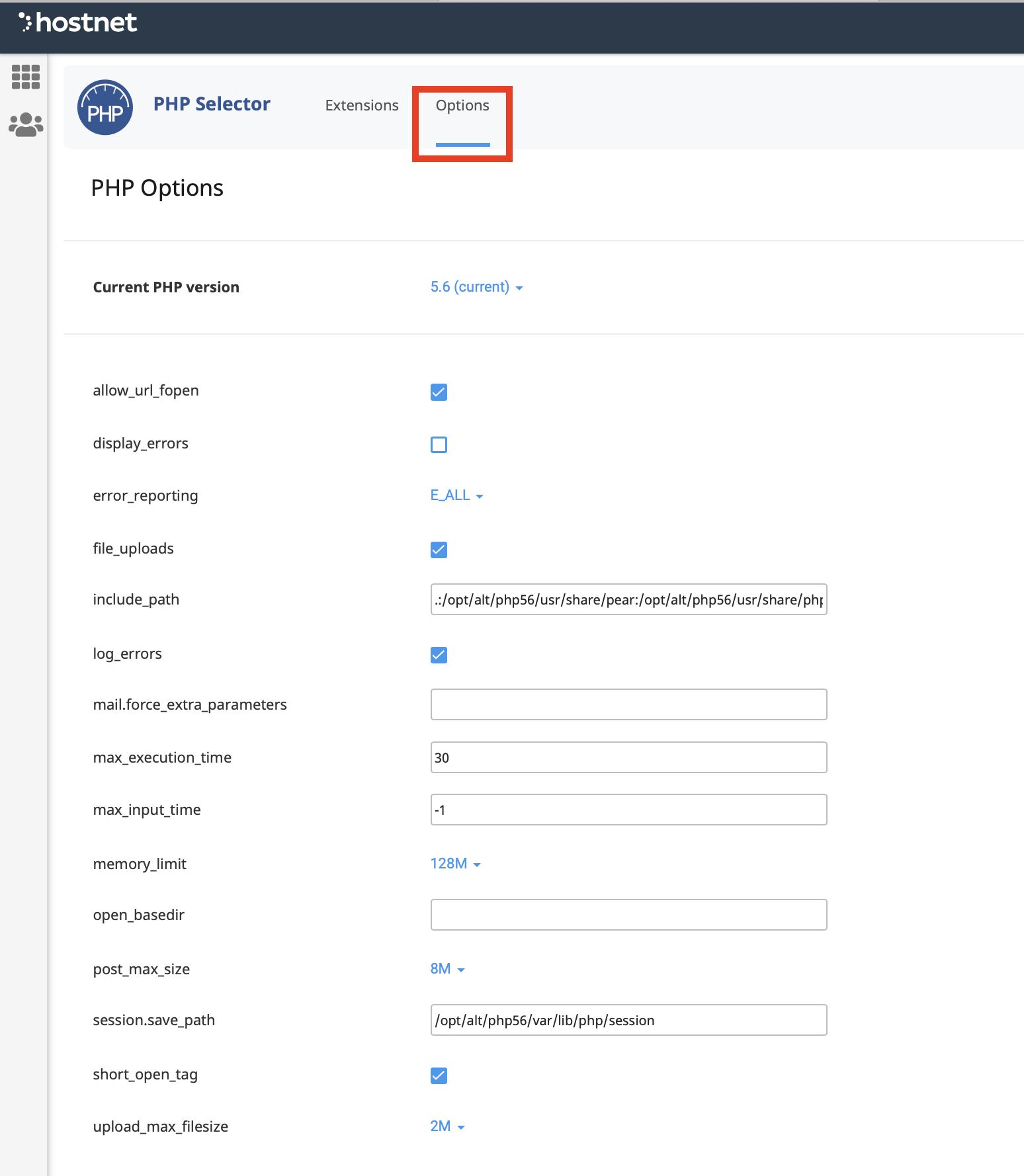
- 4) You can change various PHP settings by clicking Options.