
- Connect to your cPanel using the link http://domens.lv:2083 (where domens.lv is your domain name).
- If you cannot find cPanel access, then: Connect to the customer system by going to https://payments.hostnet.lv/crm
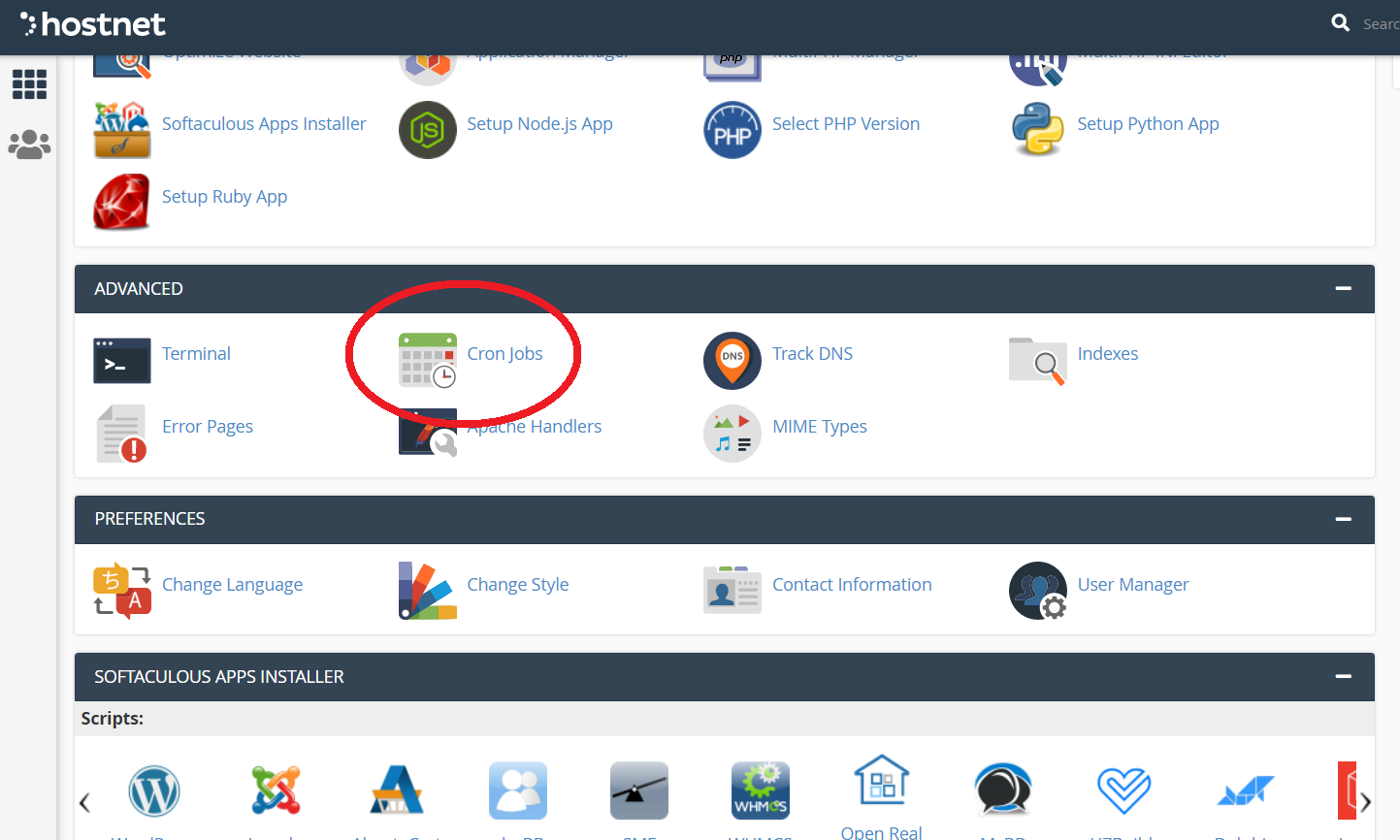
- We find it under "Advanced" in the "Cron Jobs" section.
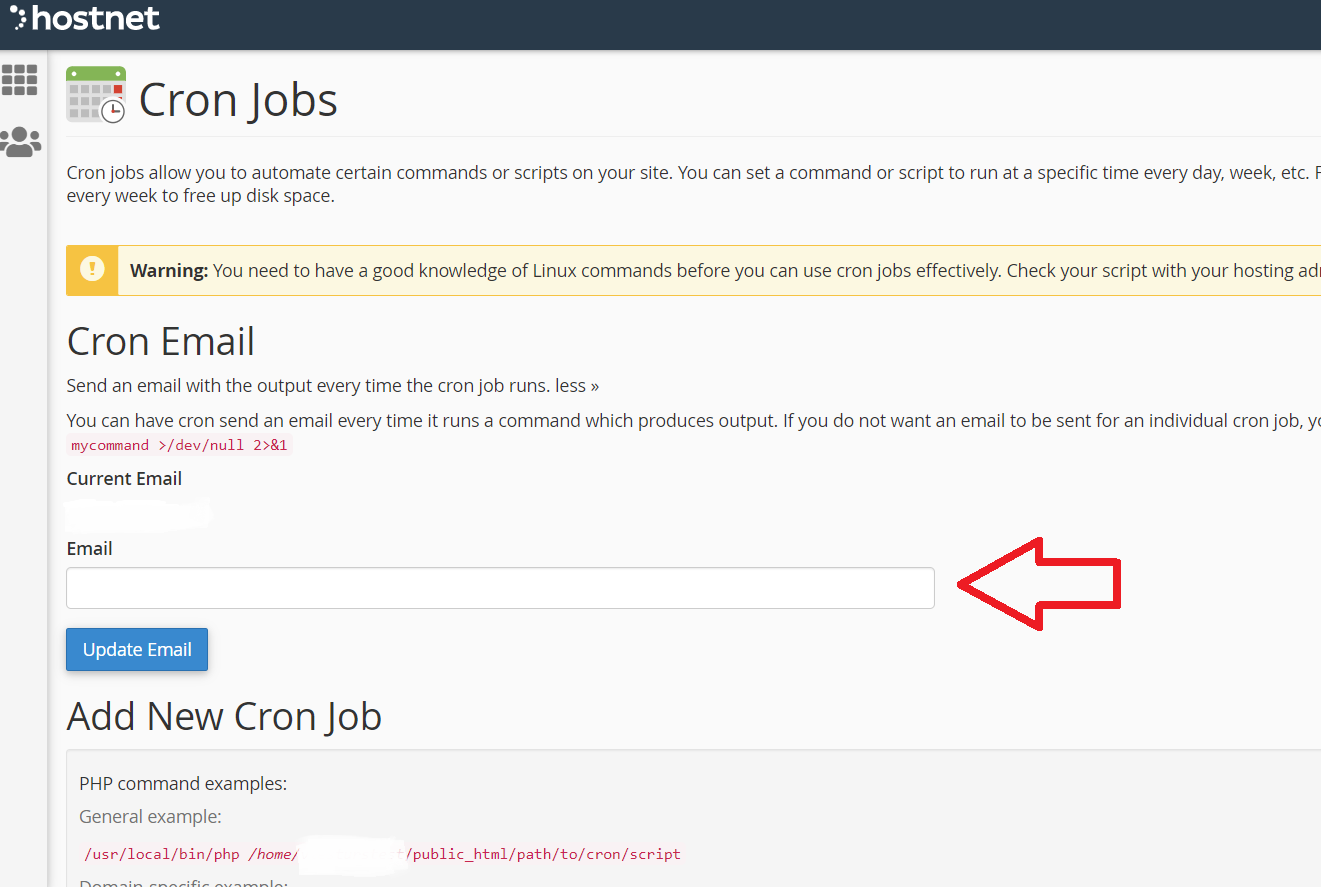
- Enter an email address to receive notifications when Cron jobs run.
- You need to enter the time frame when Cron Jobs will execute the action. At "Comand" you must enter the relevant text if you want to run a .php file -
(php /home/tutorialspoint/public_html/cron.php)
If you do not want to receive e-mails, you need to enter as follows - (php /home/tutorialspoint/public_html/cron.php >/dev/null 2>&1)


