- Lai veiktu inode/failu skaitīšanu jāatcer cPanel un jāatver "Terminal"
- Pēc tam jāpalaiž sekojoša komanda:
find -maxdepth 1 -type d | while read -r dir; do printf "%s:\t" "$dir"; find "$dir" -type f | wc -l; done
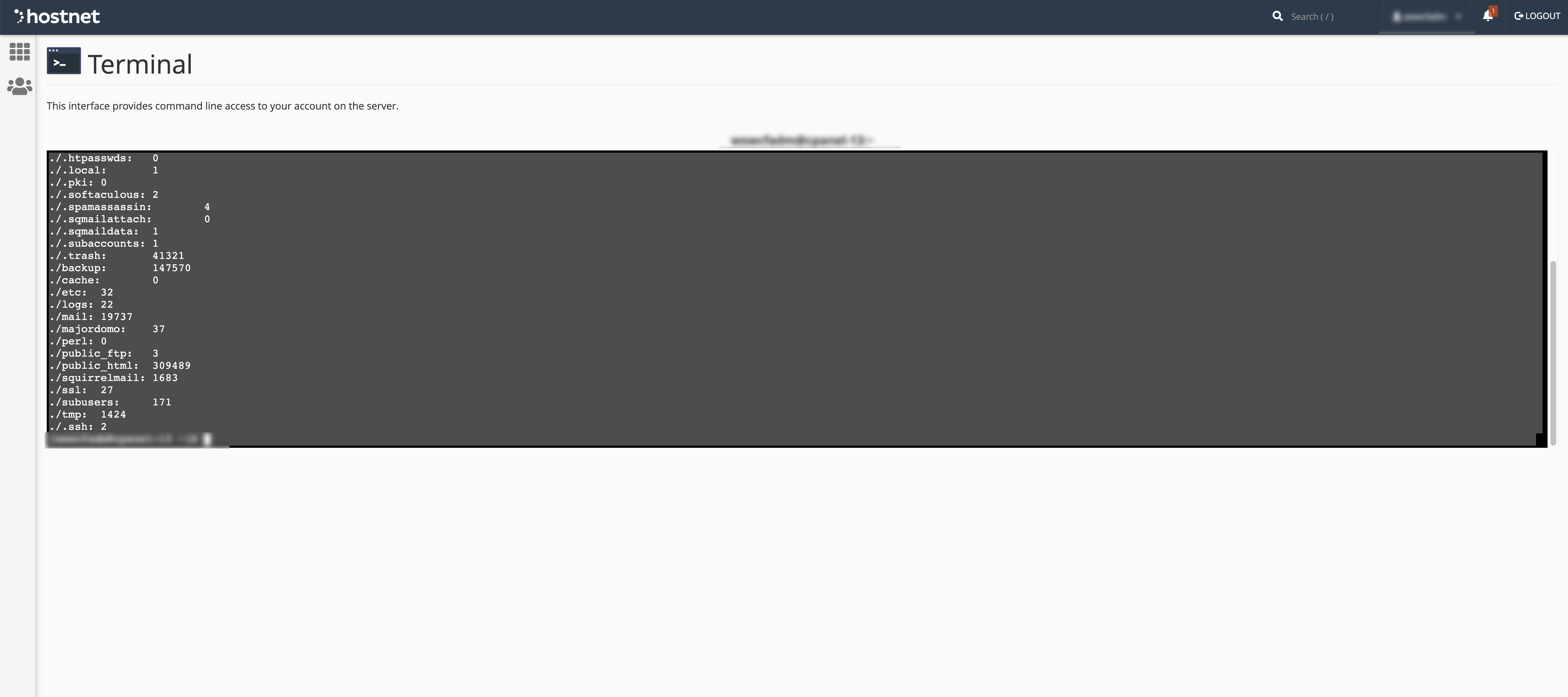
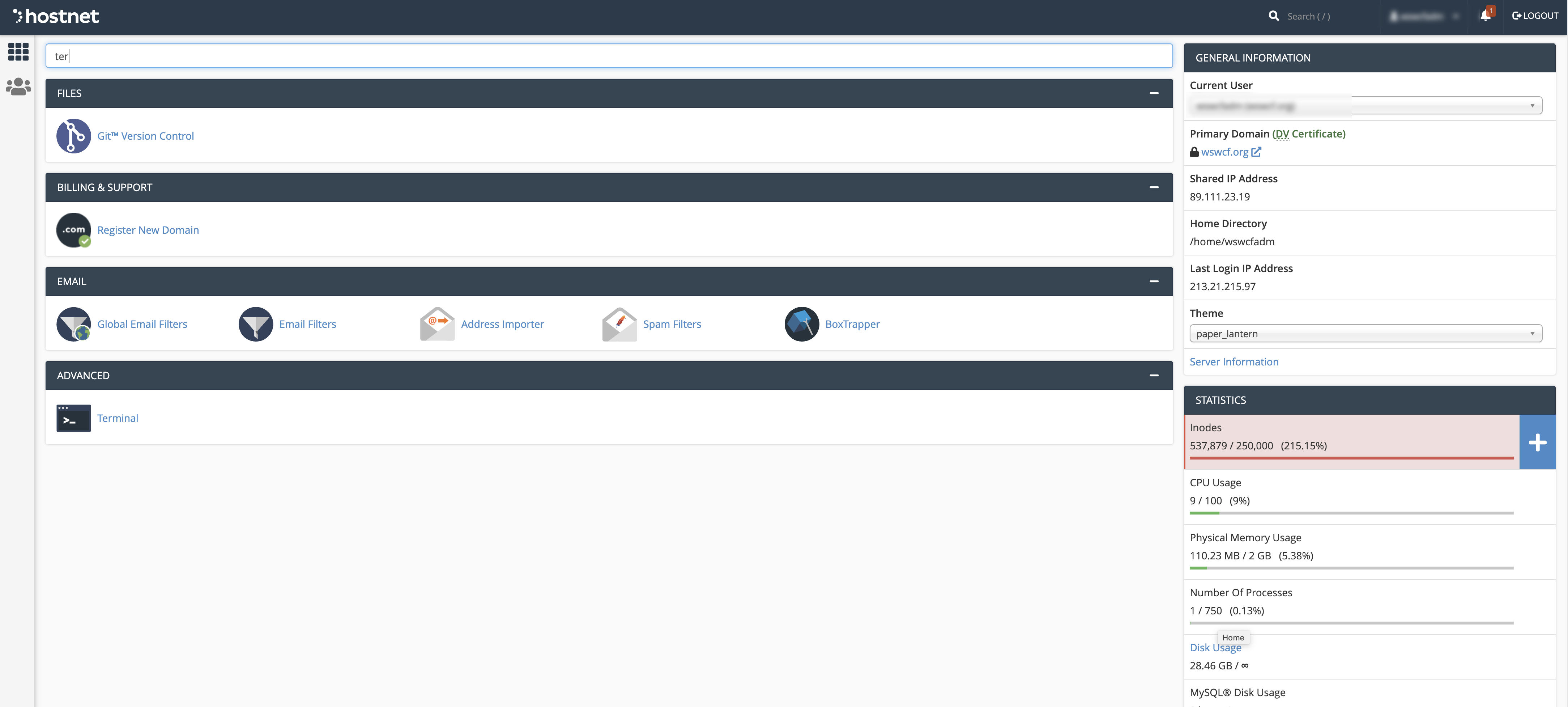

find -maxdepth 1 -type d | while read -r dir; do printf "%s:\t" "$dir"; find "$dir" -type f | wc -l; done
Attention !! If you have changed the PHP version with MultiPHP manager, then "Select PHP version"...
Jūs variet pieslēgties cPanel izmantojot saiti http://domens.lv:2083 (kur domens.lv ir Jūsu...
Pieslēdzieties cPanle kontam. Ejiet uz sadaļu ‘Advanced’. Izvēlieties ‘Virus Scanner’....
Lai atslēgtu opcache, nepieciešams veikt sekojošas darbības. Pieslēdzieties cPanel, izmantojot...
LSCache WordPress instalācijai ļauj ievērojami uzlabot weblapas ielādes ātrumu, kā arī mazina...


